
Subflow
Invite family, friends, or teammates into the same subscription workflow so shared costs stay visible and easier to coordinate.
Shared services are simple until nobody remembers who pays, who uses it, or when it renews. Subflow gives shared subscriptions a dedicated place inside the same dashboard.
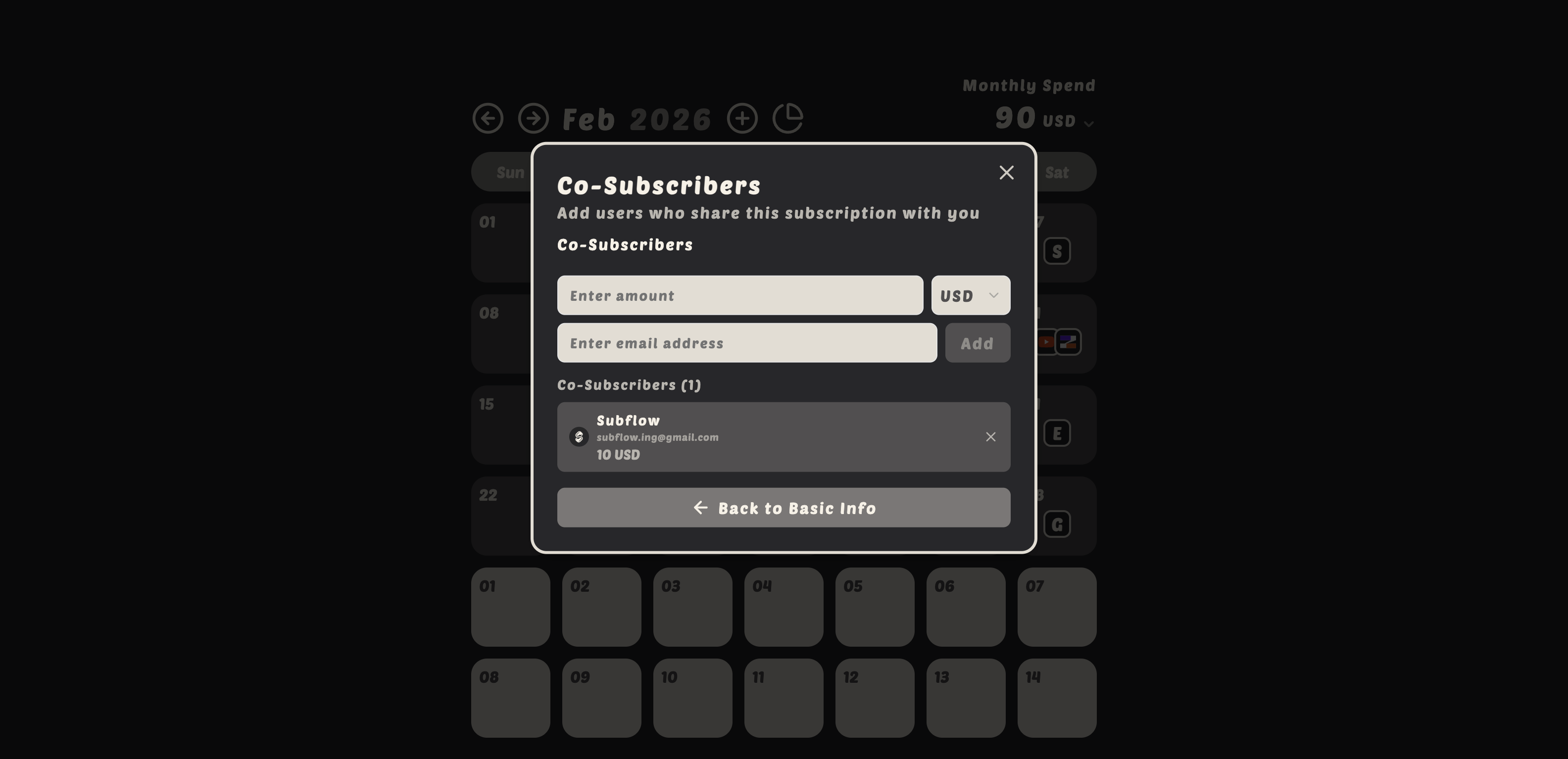
Share subscriptions with family and friends to manage subscription expenses together.
Once a subscription is in Subflow, the renewal schedule stays in the same calendar view as everything else, so shared services do not get lost.
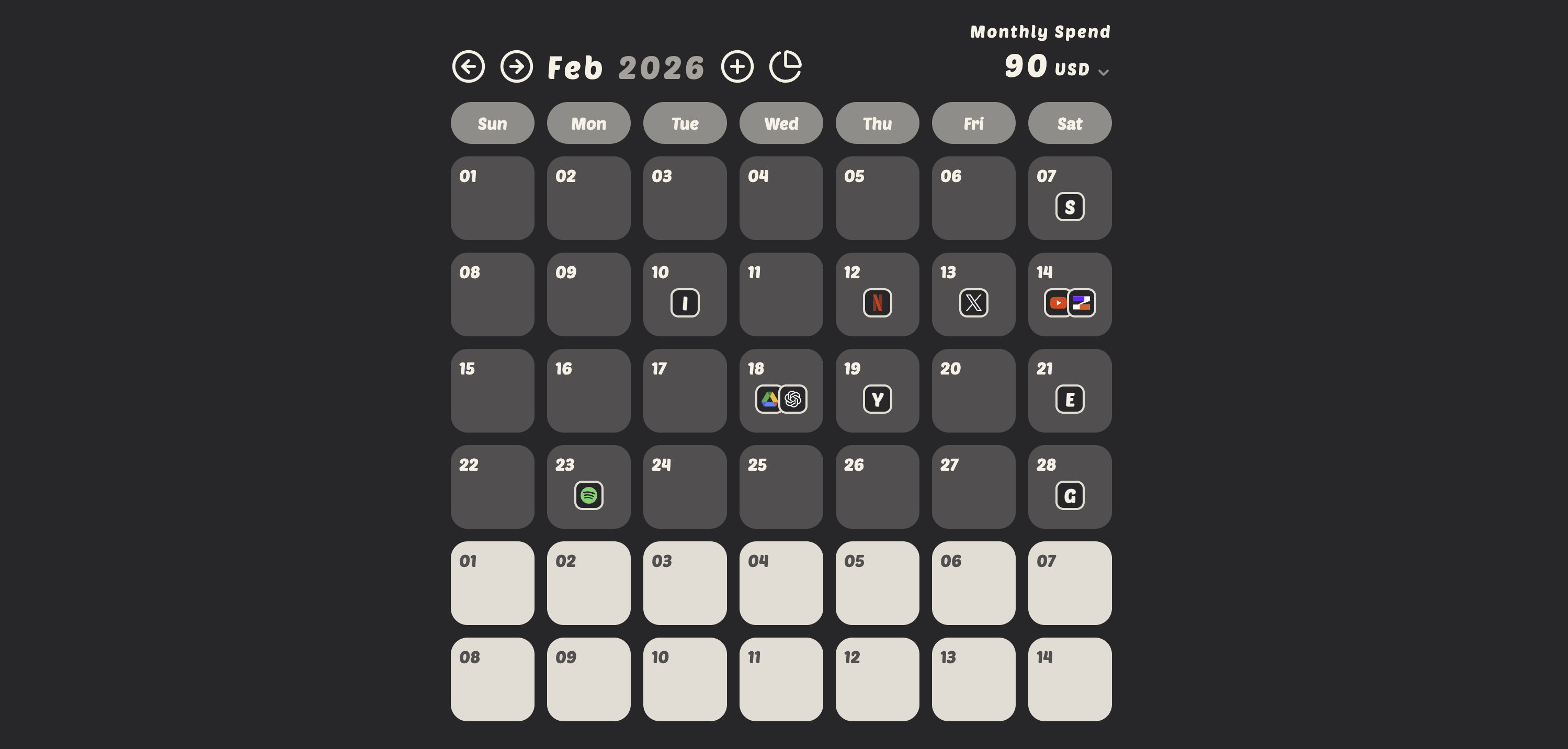
Once a subscription is shared, each co-subscriber can opt into the same renewal email reminders on their own account. The next charge stops depending on whichever person happens to remember it.
Invite a co-subscriber: Select a subscription → Go to "Co-Subscribers" → Enter email to invite.
Open the subscription, go to the co-subscribers section, and enter the person's email address. They will receive an invitation to join the subscription in Subflow.
Yes. Each invited person will need a free Subflow account to view and interact with the shared subscription.
Yes. Each shared subscription keeps its own currency, so a family or team plan billed in a different currency stays accurate without affecting how your other subscriptions are stored or displayed.
Yes. The subscription owner can remove co-subscribers at any time from the subscription's settings.
Subscription Tracker
Subflow gives you a clear view of monthly charges, recurring payments, and subscription spend without using spreadsheets.
Recurring Payments
Keep monthly, quarterly, and yearly renewals visible with a workflow designed for recurring bills and subscription planning.
Subscription Reminders
Use email reminders to stay ahead of renewals, protect your budget, and reduce surprise charges across all of your subscriptions.