
Subflow
The Subflow Raycast extension brings your full subscription list and menu bar access into the tools you already use every day.
Opening a browser tab just to check a renewal date takes you out of your flow. With the Subflow Raycast extension, your subscriptions are one shortcut away — and always visible from the menu bar.
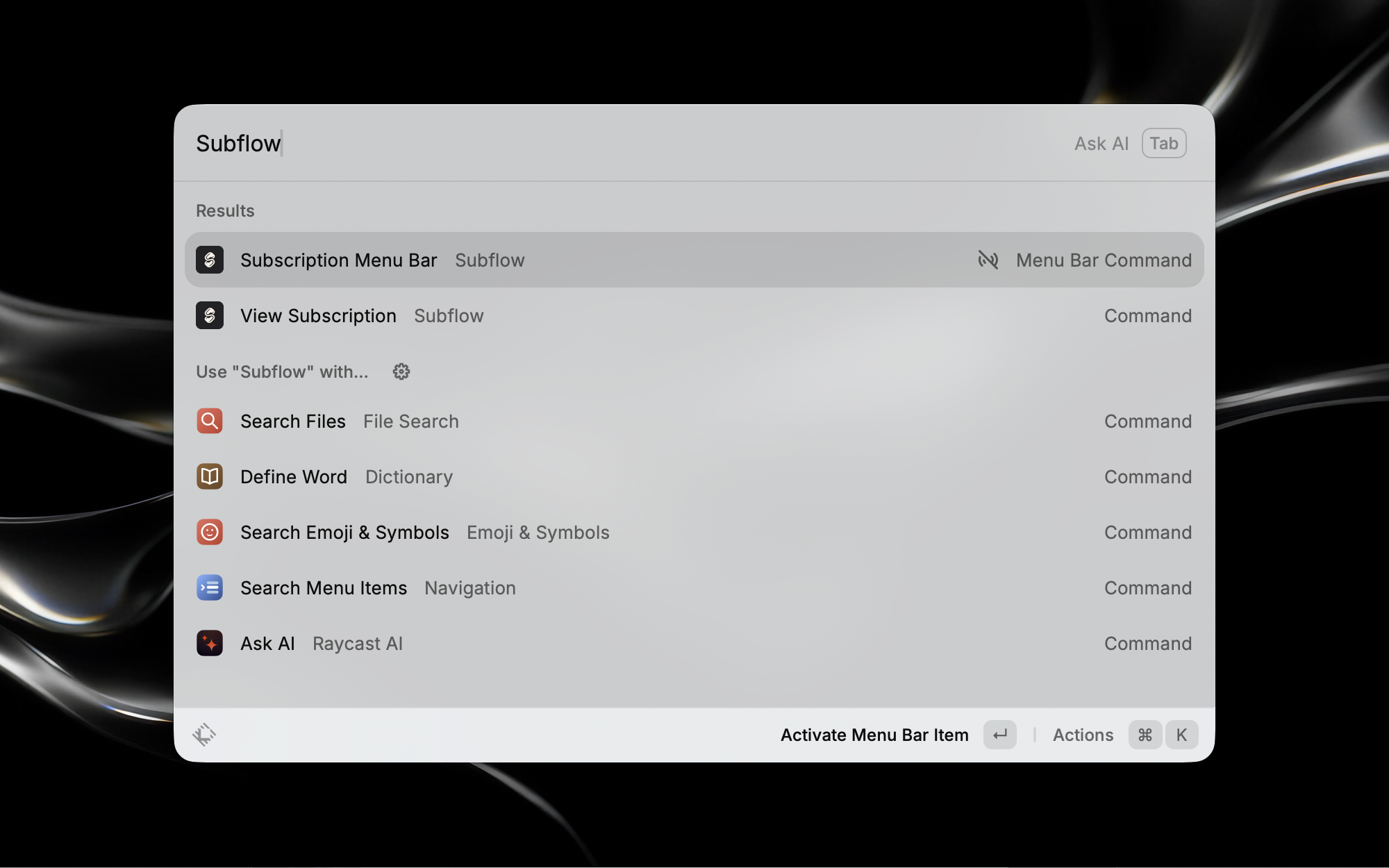
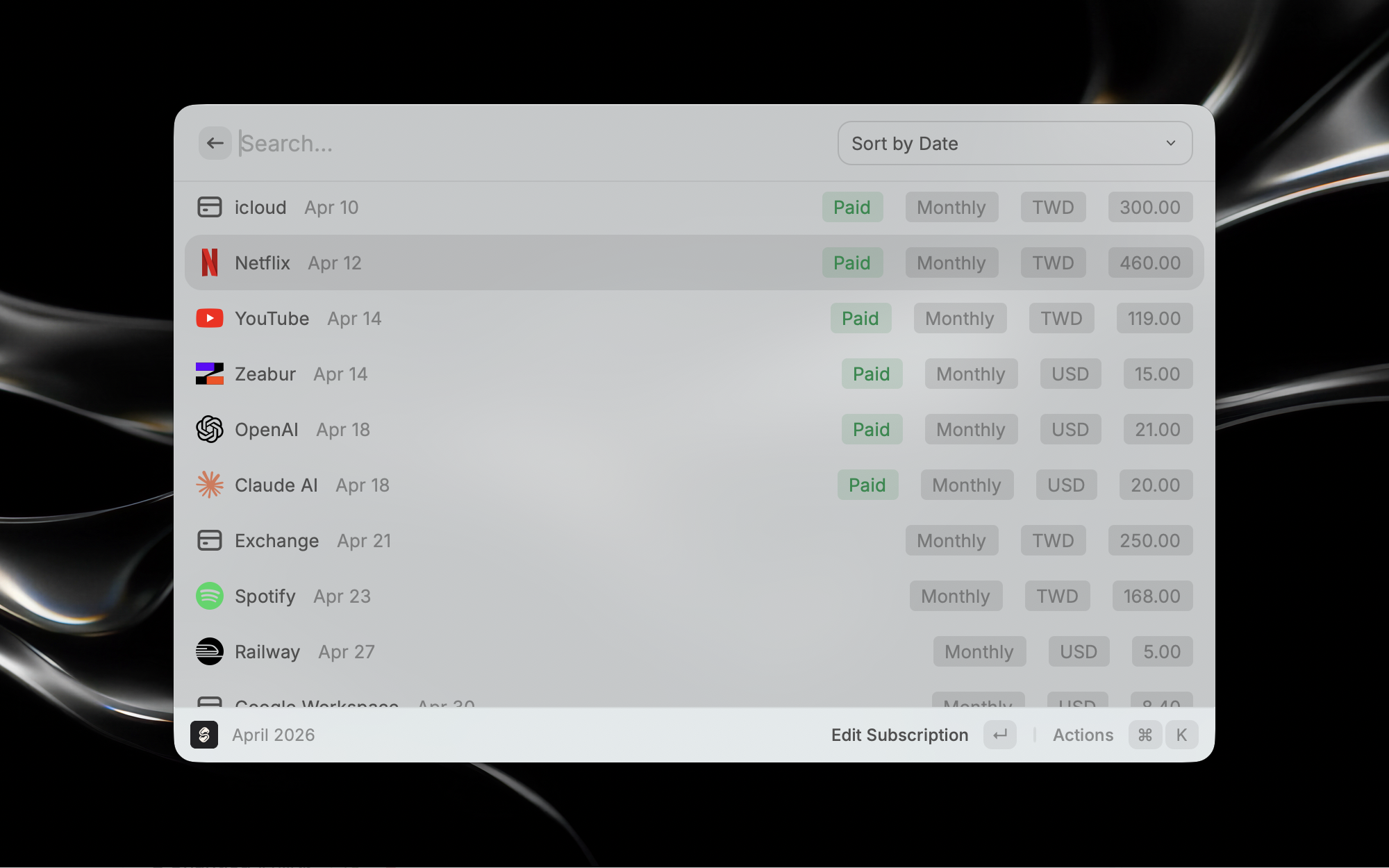
Search and scroll through your full subscription list directly inside Raycast. Enable the menu bar extra to keep upcoming renewals visible at all times — no browser needed.
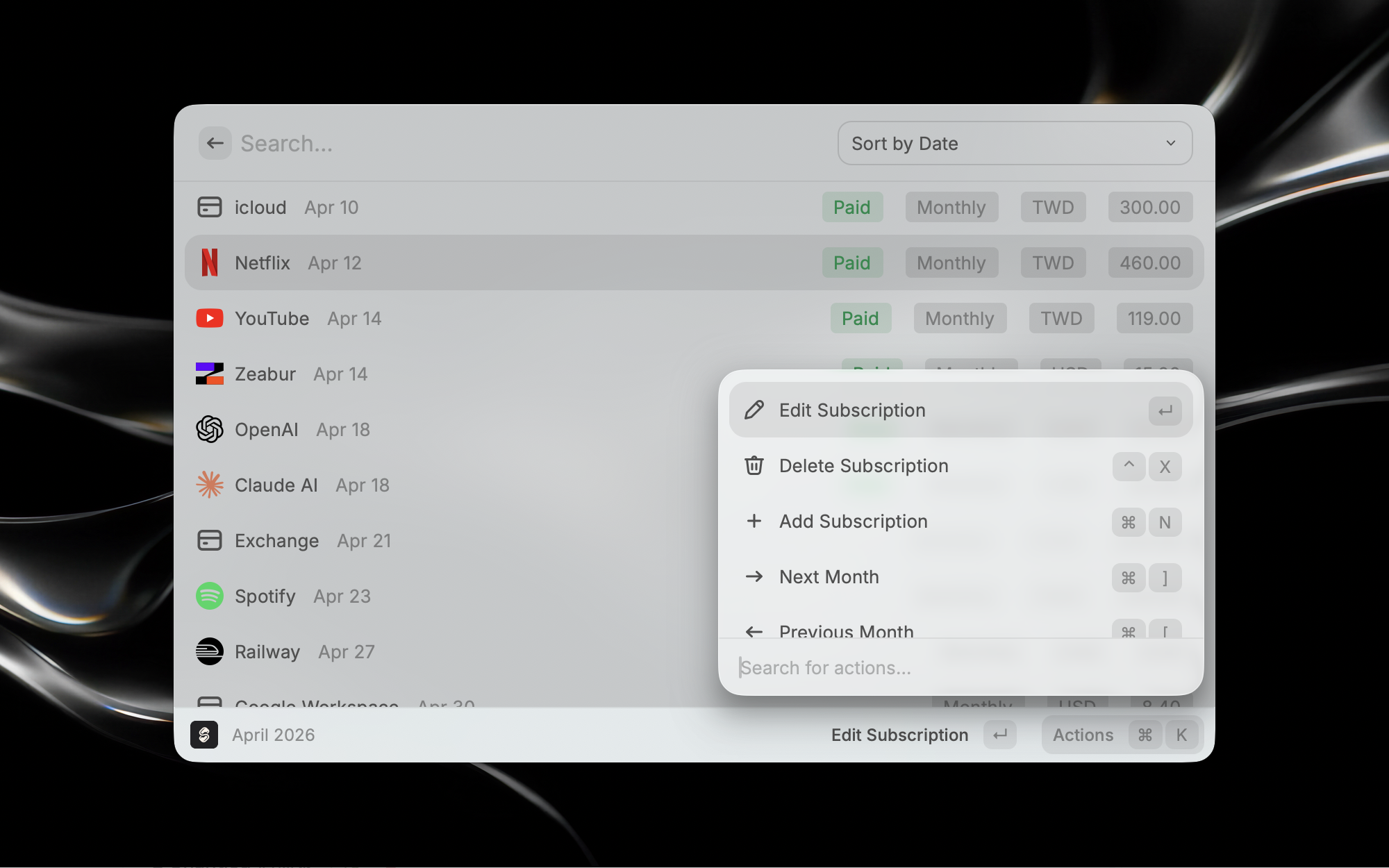
Enable the Subflow menu bar extra to keep your next subscription renewal visible at all times — no need to open an app or browser to check what is due.
Install: Search for Subflow in the Raycast Extension Store and click Install.
Set the API key first: Sign in to Subflow, open the More menu → API Keys, enter a name such as Raycast, click Create, and copy the new API key immediately. Then open the Subflow extension preferences in Raycast and paste it there.
Browse: Use the Subflow command to view and search through all your tracked subscriptions.
Menu bar: Enable the Subflow Menu Bar extra in Raycast preferences to see upcoming renewals at a glance.
Open Raycast, search for Subflow in the Extension Store, and click Install. Once installed, create an API key in Subflow first, then paste it into the extension preferences.
Open Subflow, use the More menu → API Keys, enter a key name such as Raycast, click Create, and copy the API key immediately because it is only shown once. Paste it into the Subflow extension preferences inside Raycast.
The menu bar extra displays your upcoming subscription renewals so you can quickly see what is due without opening a browser or the full app.
Subscription Tracker
Subflow gives you a clear view of monthly charges, recurring payments, and subscription spend without using spreadsheets.
Recurring Payments
Keep monthly, quarterly, and yearly renewals visible with a workflow designed for recurring bills and subscription planning.
Subscription Reminders
Use email reminders to stay ahead of renewals, protect your budget, and reduce surprise charges across all of your subscriptions.